Smart Glasses vs Smartwatches for Elderly Care: Which Technology Is Right for Your Parents?
Compare smart glasses vs smartwatches for senior safety and health monitoring. Learn which device best suits your aging parents' independence, fall detection, and medication tracking needs.
Nov 23, 2025
If your parents need passive health monitoring and emergency detection without daily app management, smart glasses designed for seniors (like ELDR) offer better fall detection accuracy and prescription lens integration than smartwatches. Smartwatches excel for active seniors who want comprehensive fitness tracking and don't mind frequent charging and paid monitoring services.
Best for: Adult children balancing their parents' independence with safety concerns; caregivers seeking hands-off monitoring that doesn't feel intrusive.
Key trade-offs: Smart glasses provide better contextual fall detection and medication tracking but have limited third-party apps; smartwatches offer more app ecosystem and fitness features but require daily charging, small screens, and monthly monitoring fees ($29.95–$52.95).
Critical data points:
Smartwatch battery life: 18–40 hours (daily charging required)
Smart glasses for seniors: 7-day battery life (weekly charging)
Fall detection false positive rates: Smartwatches miss "soft falls" (70% of senior falls); AI-powered smart glasses distinguish falls from sitting down
Why This Comparison Matters for Your Parents
More than 1 in 4 Americans aged 65 and older experience falls each year, according to the CDC. When a fall happens, the first few minutes are critical. Beyond falls, seniors struggle with medication adherence (nearly 50% of seniors don't take medications as prescribed) and social isolation (which increases mortality risk by 26% in adults over 50).
The wearable technology landscape has exploded with options—smartwatches, medical alert pendants, fitness trackers, and now AI-powered smart glasses. But not all devices address the same problems. Understanding what each technology excels at helps you choose the right tool for your parents' specific needs.
Smartwatches for Seniors: Strengths and Limitations
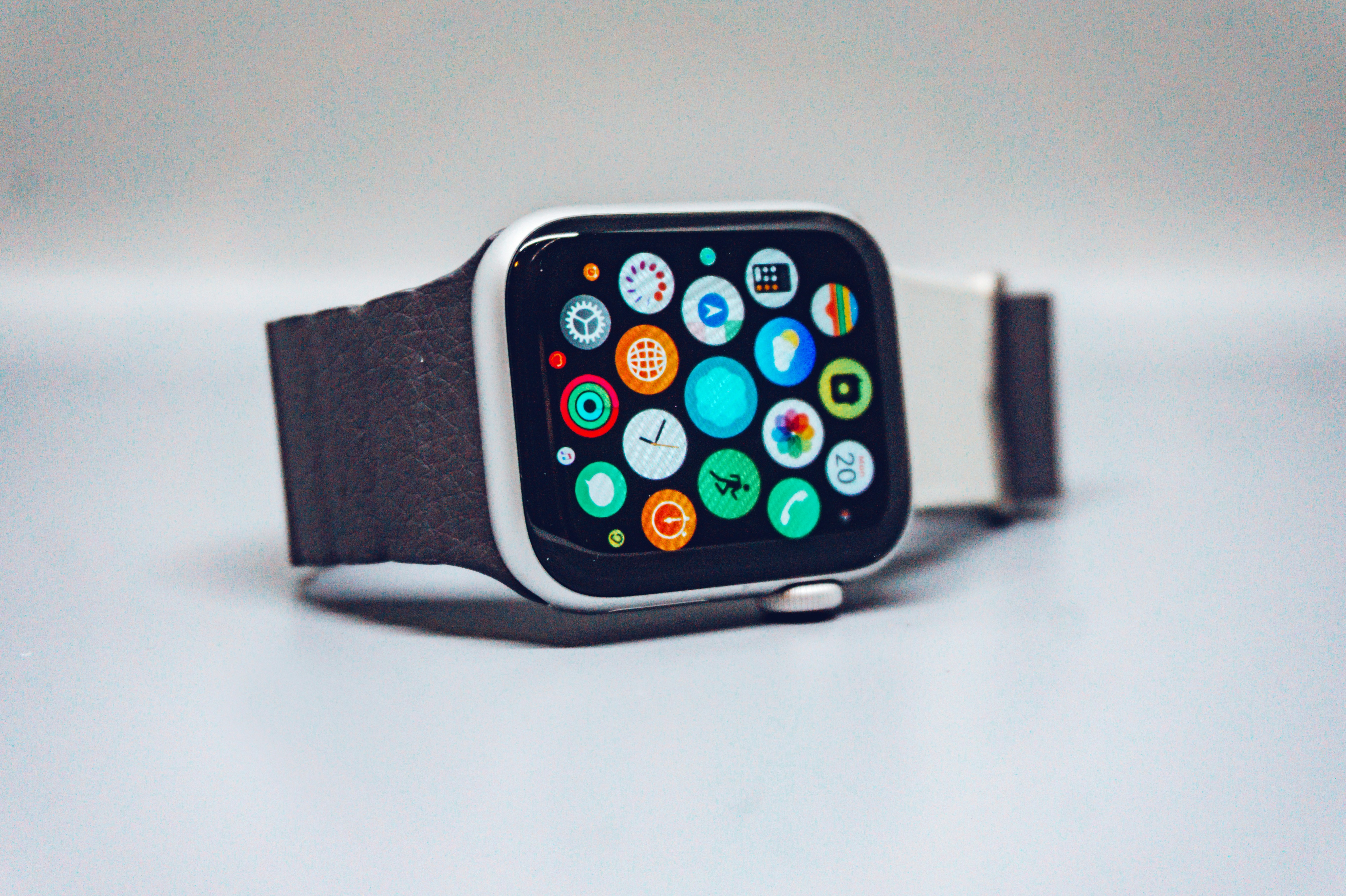
Smartwatches like the Apple Watch, FitBit, and specialized medical alert watches have dominated the senior wearables market for years. They're familiar, widely available, and packed with features.
What Smartwatches Do Well
Comprehensive fitness tracking: Heart rate, sleep quality, step counting, oxygen saturation (SpO2), and ECG capabilities on premium models
Established ecosystem: Thousands of apps from weather to meditation; easy integration with smartphones
Emergency response: SOS buttons connect to professional monitoring centers (24/7 response available with paid subscriptions)
GPS tracking: Location sharing for caregivers in real time
Familiar form factor: Most seniors recognize and understand watches
Significant Limitations
Battery dependency: Most smartwatches require daily charging. For seniors with memory issues or declining independence, this becomes a burden. A forgotten charge means losing fall detection protection overnight—exactly when many falls occur.
Fall detection gaps: Smartwatch fall detection algorithms are designed for sudden, hard falls (like falling off a bicycle). They're ineffective at detecting "soft falls"—the most common type seniors experience. Slipping off the couch, falling slowly while reaching for something, or falls partially caught by a railing often go undetected. This means the very emergency smartwatches promise to catch frequently goes unnoticed.
Screen limitations: Seniors with vision issues struggle with tiny screens. Icons are small, text is hard to read, and setting up the device often requires downloading and managing apps on a smartphone—a significant barrier for non-tech-savvy older adults.
Monthly monitoring fees: Professional emergency monitoring typically costs $29.95–$52.95 per month on top of the device purchase. Over 5 years, this adds $1,800–$3,180 to the total cost.
App fatigue: Smartwatches shift health management into an app ecosystem. Seniors and their caregivers must remember to check apps, download updates, and manage passwords—adding digital burden rather than reducing it.
Medication management gap: While smartwatches can send reminders, they don't track whether medication was actually taken or verify it was the right medication. For seniors on multiple prescriptions, this is a critical missing feature.
Smart Glasses for Seniors: A Different Approach
Smart glasses represent a fundamentally different philosophy: instead of strapping another device to your wrist, they integrate into something seniors already use—their eyeglasses.
What AI-Powered Smart Glasses Offer
Contextual fall detection: AI doesn't just detect acceleration changes; it recognizes the pattern of a fall and distinguishes it from normal sitting, bending, or lying down. This dramatically reduces false alarms and catches the soft falls smartwatches miss.
Prescription lens integration: Unlike smartwatches that sit separately on your wrist, smart glasses can incorporate your actual prescription. Seniors wear them because they need to see—not as a separate "safety device," which eliminates the feeling of being tracked or monitored.
Passive health monitoring: No apps to manage. AI continuously monitors gait patterns, daily movement, heart rate trends, and behavioral anomalies in the background. Insights appear only when needed or during caregiver check-ins.
Medication tracking: Smart glasses can recognize medication bottles by sight, provide voice reminders at the exact time medications are due, and confirm when medication was taken—addressing the #1 health management challenge for seniors.
Loneliness detection: AI recognizes isolation patterns (lack of social interaction, reduced movement, irregular sleep) before depression sets in, alerting family to check in.
Extended battery life: Week-long battery life means charging once per week, not every night. This removes a daily burden and ensures continuous monitoring when seniors forget routine tasks.
No learning curve: They're glasses. Seniors don't need to learn a new device or master an interface. Voice-first commands mean no screens to squint at, no buttons to remember, no apps to navigate.
Privacy-first design: Recording light indicates when the camera is active; easy off switch puts seniors in control; no constant data streaming to cloud servers.
Current Limitations
Smaller app ecosystem: Because smart glasses for seniors are a newer category, the app landscape is more limited than smartwatches. However, for the core use cases—safety, health monitoring, medication management, and social connection—purpose-built features outperform generic smartwatch apps.
Prescription fitting required: Unlike a smartwatch you can hand to anyone, smart glasses need to be properly fitted to your parent's prescription and face shape. This requires an initial setup but ensures comfort and usability for daily wear.
Still emerging category: Unlike smartwatches with dozens of established brands, AI-powered smart glasses for seniors are still being developed. ELDR is leading this category with features designed specifically for aging adults.
Head-to-Head Comparison: Smart Glasses vs Smartwatches
Feature | Smart Glasses (ELDR) | Smartwatches | Winner for Elderly Care |
|---|---|---|---|
Fall Detection Accuracy | AI distinguishes falls from normal movement; catches soft falls | Detects hard falls only; misses 70% of senior fall types | Smart Glasses |
Battery Life | 7 days | 18–40 hours (daily charging) | Smart Glasses |
Prescription Integration | Built-in prescription lenses; worn for vision, not just safety | No vision correction; separate from eyeglasses | Smart Glasses |
Medication Management | Visual/voice reminders + adherence tracking + bottle recognition | Reminders only; no adherence confirmation | Smart Glasses |
Learning Curve | Zero—they're glasses; voice-activated commands | Moderate to high; app downloads, setup, passwords required | Smart Glasses |
Health Monitoring Depth | Gait, movement patterns, behavioral anomalies, loneliness detection | Heart rate, SpO2, steps, sleep, ECG (device-dependent) | Tie (different strengths) |
Emergency Response Speed | Automatic detection + instant family alert + 911 contact | SOS button or automatic alert + monitoring center (with subscription) | Smartwatches (if paid monitoring active) |
Ongoing Costs | One-time device; optional family features | $29.95–$52.95/month for professional monitoring | Smart Glasses |
Caregiver Burden | Passive alerts; activity sharing shows patterns not constant surveillance | App monitoring, manual check-ins encouraged | Smart Glasses |
Privacy Concerns | Transparent design; consent-first recording; easy off switch | Continuous location tracking; cloud-based data storage | Smart Glasses |
App Ecosystem | Limited but purpose-built for seniors | Thousands of apps; full smartphone integration | Smartwatches |
Durability | Water-resistant frames, scratch-resistant lenses, 13MP camera | Water-resistant; prone to damage from drops | Tie |
When to Choose Smartwatches vs Smart Glasses
Choose a Smartwatch If:
Your parents are active, travel frequently, and want comprehensive fitness tracking (steps, heart rate zones, workout data)
They're comfortable with technology and managing apps
They don't need prescription vision correction or prefer keeping eyeglasses and wearables separate
They want immediate access to thousands of apps (weather, messaging, meditation, games)
Daily charging is acceptable as part of their routine
They value an established ecosystem with multiple brand options
Choose Smart Glasses If:
Your parents struggle with memory (forgetting medication, appointments, daily routines)
Falls are a primary safety concern, especially soft falls from sitting or slipping
They need to wear corrective eyeglasses daily anyway
They prefer devices that work passively without requiring daily management
Medication adherence is a critical health issue
Social isolation or loneliness is affecting their mental health
You want to avoid monthly monitoring fees and minimize caregiver check-in burden
They value privacy and want transparent, consent-first technology
The Real Cost Difference: Smart Glasses vs Smartwatches
Beyond the device purchase price, the true cost of each technology differs significantly:
Smartwatch Total Cost of Ownership (5 years):
Device: $200–$400
Professional monitoring: $30–$52/month = $1,800–$3,120 (optional but recommended for fall detection)
Potential app subscriptions: $5–$15/month = $300–$900
Total: $2,300–$4,420
Smart Glasses Total Cost of Ownership (5 years):
Device with prescription lenses: One-time purchase
No monthly monitoring fees
No app subscriptions required
Total: Device cost only
The subscription model around smartwatches means costs compound over time—even with a $300 device, you're paying $1,500+ over five years just for monitoring services that may not catch the falls your parents actually experience.
ELDR: Smart Glasses Designed Specifically for Elderly Care
ELDR represents the next generation of senior wearables—smart glasses built from the ground up for older adults, not adapted from consumer technology.
How ELDR Is Different
Fall detection that actually works: ELDR's AI distinguishes genuine falls from normal movement by analyzing gait patterns, acceleration, and stillness duration. When seconds count, falls are detected and help is summoned before anyone needs to ask "are you okay?"
Prescription lens integration: Your parents wear ELDR because they need to see—not because it's a medical device. This eliminates surveillance feelings and makes daily wear effortless.
Medication adherence as default: ELDR recognizes medication bottles, provides voice reminders at the exact prescribed time, and confirms when medication was taken. For seniors on multiple prescriptions, this is transformative.
Loneliness detection: AI recognizes isolation patterns—unusual stillness, lack of social interaction, irregular sleep—and alerts family before depression sets in. This addresses a leading cause of elderly mortality.
Voice-first interface: No screens, no passwords, no app navigation. Commands are spoken naturally; information arrives when needed via voice or subtle visual cues.
Week-long battery: Charge once per week, not every night. This removes a daily friction point and ensures continuous monitoring.
Family connection without hovering: Activity patterns share high-level insights (is your parent moving regularly? eating? sleeping well?) without constant check-in demands. You get peace of mind; your parents keep independence.
Privacy-first design: Recording light shows when the camera is active; easy off switch puts seniors in control; no data harvesting or constant cloud streaming.
Automatic emergency contact: When a fall is detected, ELDR instantly alerts your family and contacts 911. Help arrives before panic sets in.
Health insights at checkups: Blood pressure trends, heart rate patterns, medication timing, and movement data are ready to share with doctors for early problem detection.
Why Adults Choose ELDR Over Smartwatches
Smartwatches feel like insurance—something to have "just in case." ELDR feels like a support system. The difference is significant. A smartwatch requires your parents to remember they're wearing it, remember to charge it, and remember to use the SOS button in a crisis. ELDR works passively. Your parents wear their glasses, go about their day, and ELDR is always there—detecting what matters, reminding about what's easy to forget, and alerting you only when necessary.
This shift from "device you manage" to "support that manages itself" is why ELDR is designed specifically for seniors and their adult children.
Making the Decision: Questions to Ask
To determine which technology is right for your parents, ask yourself:
Is fall detection a top priority, or is general fitness tracking more important?
Do they wear eyeglasses? Do they avoid carrying extra devices?
Is medication adherence a current problem?
Are they tech-comfortable, or do they prefer simple, intuitive solutions?
Is social isolation affecting their mood or health?
Can they reliably remember to charge a device daily?
How much caregiver burden are you willing to accept (app monitoring, manual check-ins)?
Is privacy important to them (do they want transparency about when they're being monitored)?
If you answered "fall detection priority," "they wear glasses," "medication is important," "they prefer simple solutions," and "social isolation is a concern," smart glasses are the better choice. If fitness tracking and app diversity are primary, a smartwatch may be the better fit.
The Bottom Line
Both technologies have a place in elderly care—they just solve different problems. Smartwatches excel at comprehensive fitness tracking and have an established market with many options. Smart glasses excel at the specific challenges that matter most to seniors and their families: preventing falls before they happen, ensuring medication is taken correctly, detecting isolation before it becomes crisis, and providing passive safety monitoring without daily device management.
For most adult children seeking to balance their parents' independence with genuine safety support, AI-powered smart glasses like ELDR address the core problems that smartwatches miss. They're the right tool for a different era of aging—one where technology enables freedom rather than surveillance, where safety is passive rather than managed, and where dignity is built into the design.
Your parents deserve technology that works for them, not against them. Contact ELDR to learn how smart glasses can provide the peace of mind you're seeking while keeping your parents in control of their lives.
Our latest articles
Stay connected with those who matter most—where cutting-edge AI meets everyday care.